
Login to TK11 for secure access to cricket and JILI games
Secure account access for TK11 players on mobile and desktop
Use TK11 login to get back to your games in seconds. Access via the TK11 Official Website or the TK11 app, then jump straight to live cricket markets and your favorite JILI slots. Strong security, quick OTP checks, and a clean layout keep things fast for data-savvy players.
Whether you use one‑tap biometrics or a password, you can access TK11 account safely across devices. Sign in to manage bets, review history, and pick up where you left off, even during a match break.
reasons to login to TK11 before you start playing
Faster entry and a dashboard that suits your play style
Log in to see a cleaner home screen with your recent bets, quick links, and active promos. It saves time on mobile.
Cricket-first experience with timely markets and updates
Get quick access to live odds, score updates, and popular cricket markets so you can act during over breaks.
JILI slots and saved favorites ready in one tap
Your saved games and JILI picks appear up front. No need to search each time you open the app.
Bonuses, missions, and personalized offers
View active promos, streak rewards, and targeted deals that match how you play and what you follow.
Safer account with verification for smooth payouts
Set up two-step checks and keep your profile verified. Make sure your account name matches your payment account name to avoid delays.
Simple sign-up and one-tap returns after that
New here? Create your account in minutes with TK11 Register. After that, use biometrics or a saved device for faster sign-ins.
Quick steps to sign in to your TK11 account safely
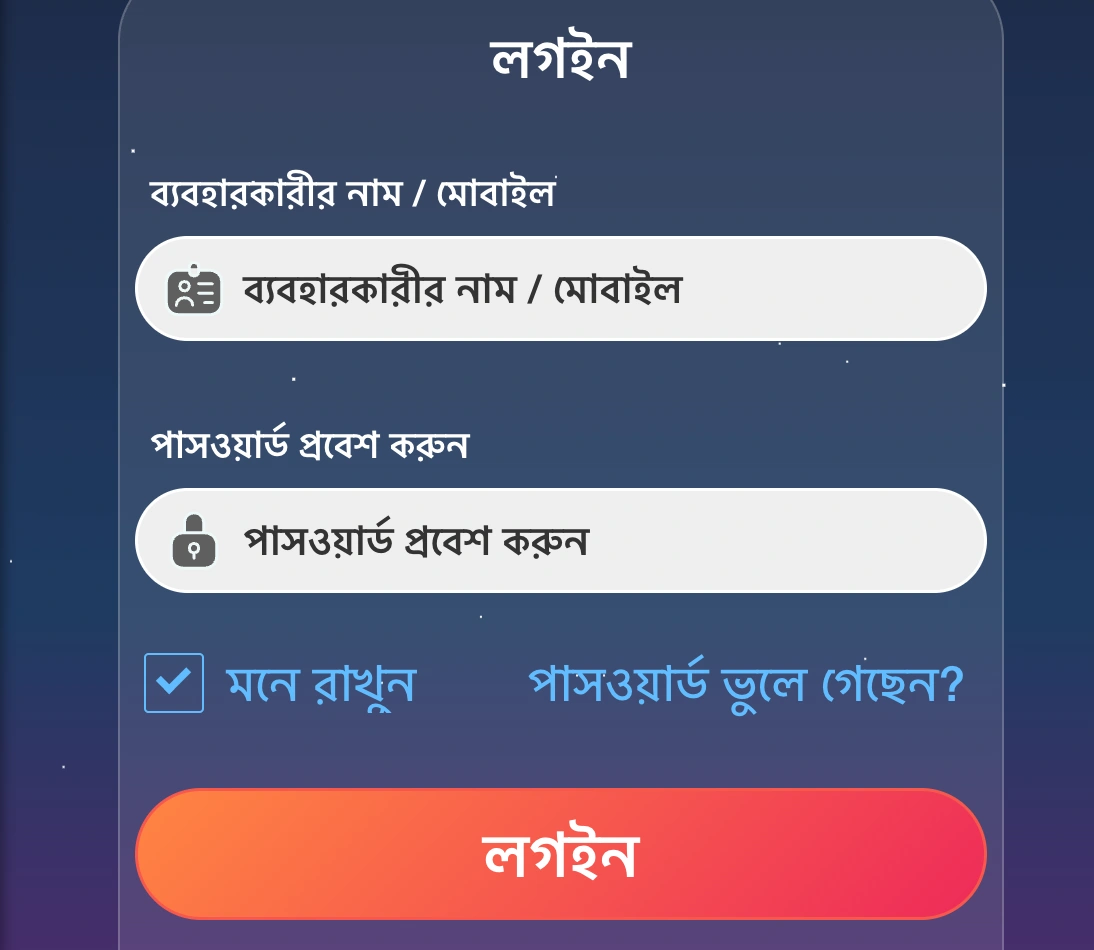
- Open the official site in your browser or launch the TK11 app.
- Tap Log In on the top bar or home screen.
- Enter your mobile number or email, then your password.
- Complete the captcha if shown.
- Enter the one-time code (OTP) sent to your phone or email, if asked.
- Tap Sign In to finish. You’ll land on your account dashboard.
- New here? Tap Register to create your account, then return to sign in.
Practical tips for safer, smoother TK11 sign-ins on any device
Protect your account with simple habits. These steps keep access quick while guarding your balance and data.
- Use a private device and a strong, unique password. Enable biometrics on supported phones.
- Only log in from the official site or app. Check the padlock in the address bar.
- Never share your OTP or password with anyone, including people claiming to be support.
- Keep the app updated to the latest version for security fixes and speed.
- Turn on two-step verification and set recovery options you can access anytime.
- Avoid public Wi‑Fi for sign-ins. If you must use it, do not stay logged in.
- Ensure your profile name matches your payment account name to prevent payout delays.
- Log out on shared devices and clear browser data if you used a public computer.
Need the app? Get it from TK11 App Download and enable auto‑update so you never miss fixes or performance boosts.
Daily login rewards and check-in perks worth claiming every morning
Sign in every day to collect check-in points that convert to bonus bets or free spins. Keep a streak to unlock higher tiers with better perks.
Cricket fans get added value during big series with limited-time tokens, odds boosts, or missions tied to match days. Slot players can receive free spins for JILI titles at select streak milestones.
New members can claim the TK11 welcome offer after verifying their account. Read the promo page for rules, playthroughs, and expiry times.
Watch the TK11 bonus center in the app for surprise drops, such as reload coupons and fee rebates credited after you sign in.
FAQ about secure access, sign-in steps, and account support on TK11
How do I sign in to my TK11 account on mobile?
Open the app or official site, tap Log In, enter your email or mobile number and password, complete any OTP, then tap Sign In.
Is the website sign-in different from the app?
The steps are the same. On the app you may also use biometrics for faster access once you enable it in Settings.
I forgot my password. How can I reset it safely?
Select Forgot Password, choose email or mobile recovery, follow the reset link or OTP, and create a strong new password you haven’t used before.
Why am I asked for OTP or extra verification sometimes?
Security checks trigger on new devices, risky networks, or profile updates. They help protect your balance and personal data.
Can I stay signed in on my phone without risking my account?
Yes, on a private device. Enable biometrics, set a screen lock, and avoid public Wi‑Fi. Always log out on shared devices.
Ready to play? Log in now and start where you left off
Your games, bets, and settings are a tap away. Use the TK11 login link to enter, then move straight to live cricket picks or a quick round on JILI.
If you’re new, create your account in minutes and return to sign in. Responsible play tools are easy to find from your profile menu.